
A calmer way to share the tab
Split expenses. Keep the context.
Capture a bill, review every detail, and share the right amount with the right people—without losing the story behind the spend.
Coming soon on Google PlayBuilt for Android. Manual entry always remains available.
Items stay connected to who claimed them.
From receipt to settled understanding
Capture → Review → Split
- 01
Capture
Scan a receipt, optionally understand supported bank messages after you opt in, or enter an expense by hand.
- 02
Review
Check merchant, items, amounts, and people before anything becomes a shared expense.
- 03
Split
Assign items or divide the total, then see clear group balances and the activity behind them.
Private where it matters
On-device by design
Receipt OCR and understanding of supported transaction SMS happen on your phone. SMS access is off until you explicitly opt in. Raw messages and receipt images are not sent to Schism.
Account details and expenses you choose to share with a group use the Schism service so the group can stay in sync.
Read the privacy detailsOne bill, many choices
Live Split keeps the table together
Open a shared claiming session so people can choose their own items. Review the result together, adjust taxes and shared costs, then finalize when everyone is ready.
The real product
Built for the moment the bill arrives
Screens captured from the release build on demo data. Nothing here is a mockup.
-
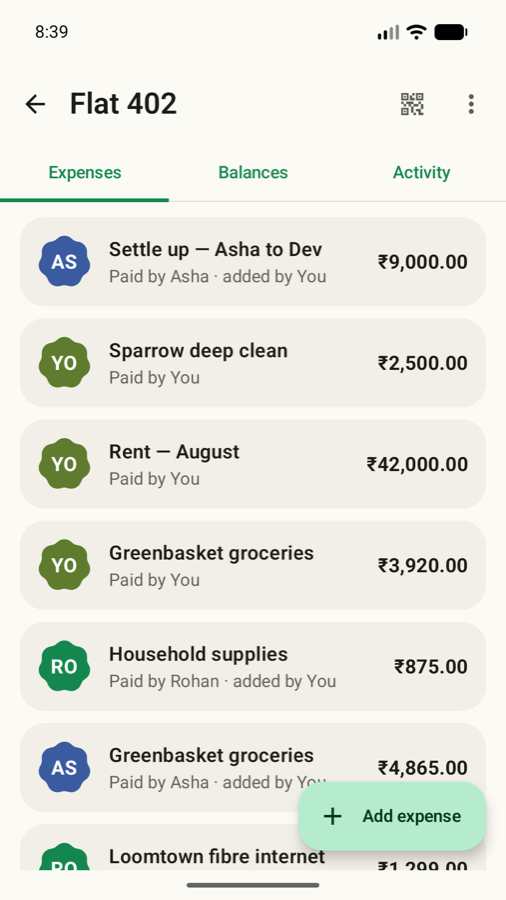
Every expense keeps its context. Who paid, who added it, and what it was for.
-
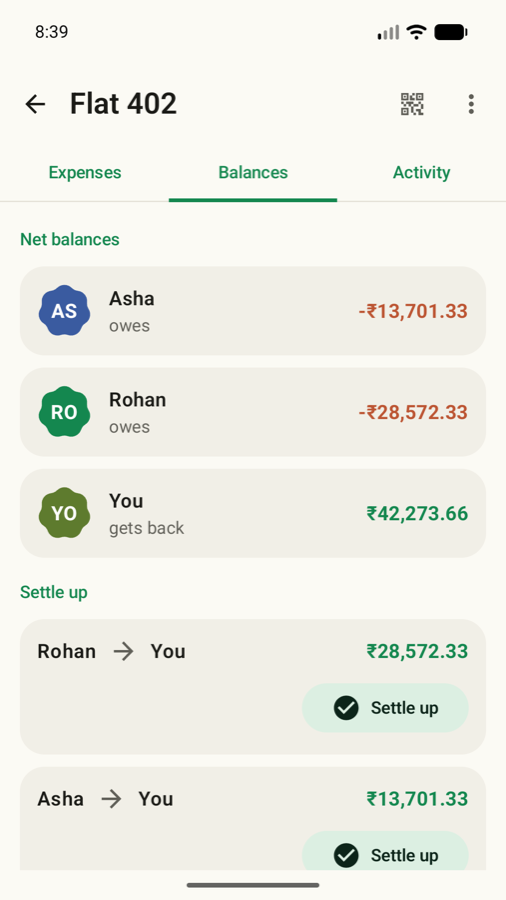
Balances resolve to the fewest transfers. Settle up hands off to your own UPI app.
-
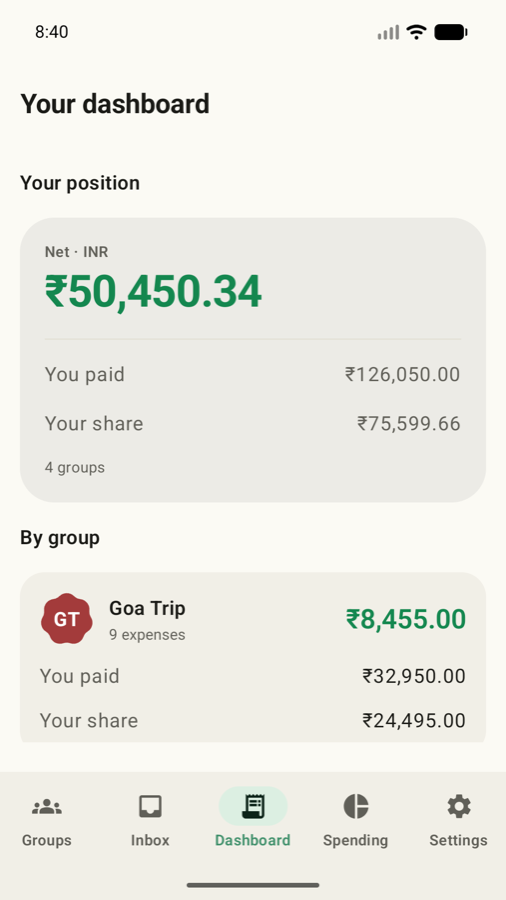
One view across every group. What you paid, what was actually yours, and the gap.
Keep the receipt. Lose the confusion.